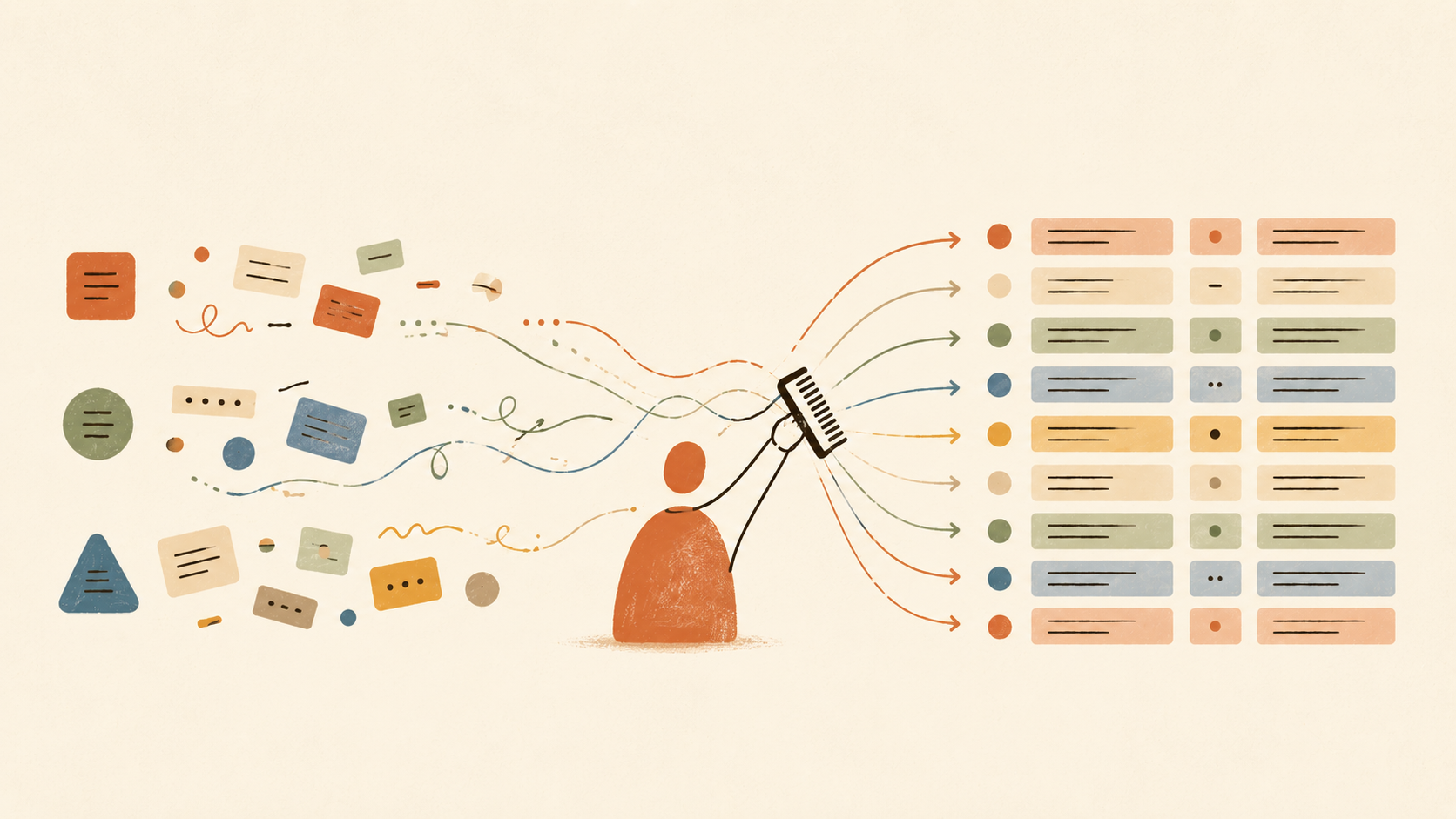
I had a data-cleanup job on my hands: three sources that needed to be reconciled. The same thing was named differently in all three, the fields didn’t line up, and on top of that sat a pile of judgment rules only someone who knows the business would know. The end product had to be something usable, and it had to be handed off so a colleague could run it themselves later.
Done the old way, that means translating the rules into code one at a time, debugging, getting it to run. Optimistically, most of a month. This time I used Claude Cowork, the mode in Anthropic’s desktop app that actually does things on your computer, and it was sorted in a few hours. Fast, and accurate.
Let me walk through what it actually did.
It cleans up the data itself, instead of telling me how
This is the biggest difference from a normal chat.
Ask a chatbot how to reconcile three tables and it gives you an approach and some code snippets, then you go assemble it yourself. Cowork doesn’t work like that. You connect the folder where the data lives, and it actually reads your files, runs the computation, and writes the result into a file for you. I dropped a few raw files into a folder it could access, told it to run the comparison, and about ten minutes later the result was sitting there. The step that always used to eat the most time, turning logic into a program that runs, it just took care of.
It worked out the rules and the differences for me
This is the most valuable part, and the part that used to give me the most grief. Break down what it did and it comes to a few things.
First it figured out how the three sources line up: what the same item looks like in each place, and which fields you can use to match them.
Then it set the matching rules one at a time. Which fields count as the same thing. How far two numbers can sit apart and still count as a match. How to fold together names written in different ways. There was one metric where one source had a round number the manufacturer typed in and another had a measured decimal, always off by a fraction. At first the rule was too strict, so anything off by a hair got flagged as a mismatch, and a whole swath of things that actually matched showed up as differences. I told it the two numbers come from different methods and a small gap is normal. It changed the rule, reran, and listed out which entries flipped from mismatch back to match so I could check them.
Last, it counted up the differences and sorted them: how many lined up exactly, how many didn’t, and for the ones that didn’t, which field they differed on, by how much, and how many of each. One table, and you can see at a glance what’s usable and what still needs a person to look at.
Name normalization alone was a slog. One source in all caps, another mixing cases. One in Chinese, another in an English abbreviation. Spaces, punctuation, full names and aliases that don’t match. Every time I spotted a new variety I’d mention it and it would add a rule. There was a batch of seven hundred-odd entries that wouldn’t match at first. Grinding through them one type at a time got it down to about ninety that genuinely aren’t in the other source, the ones nothing could save.
It makes mistakes too, so you can’t walk away
It wasn’t all smooth. One time I told it to loosen up the name matching and it overshot, jamming a record onto another one that had nothing to do with it. A few other times we went in circles over the same counting definition. It would compute it one way, I’d say no, it would switch, then it wouldn’t line up with another reference, and we’d adjust again.
If anything, that’s what convinced me the split is right. It does the work and it brings the speed, but the calls that matter stay with you. I caught the bad match by eye while spot-checking. How to define the count needs someone who knows the business to decide. It’s fast, but the one making the call still has to be me.
A one-off job becomes something reusable that runs itself
If it had only produced a correct result, Cowork would just be an efficiency tool. What made it feel like more were the two things that came after.
One, it can be saved and reused. The logic eventually has to go to a colleague to maintain, so I had Cowork pull every rule out into a config file that someone who doesn’t code can edit: the tolerances, the name mappings, the criteria for a match. It split the core algorithm apart from the file reading and writing, added documentation and a thirty-second quick-start, and packaged the whole thing up with sample data. In Cowork this kind of reusable capability can be saved as a Skill, so next time a similar job comes up I can just call it instead of explaining everything from scratch.
Two, it can run on a schedule by itself. This job isn’t done once and finished. Every so often there’s new data to reconcile. In Cowork you type /schedule, set a cadence, and it opens its own session, runs the whole comparison, and drops the result into a folder. I went from running it by hand each time to opening it and reading the result. One catch worth remembering: scheduled tasks only run while your computer is awake and the app is open.
In the end
The same problem, a while back, I’d have had to brute-force with code. Optimistically most of a month, and not necessarily clean. This time it was done in a few hours, and I’m genuinely happy with how it came out.
The change isn’t about who writes the code. It’s that the gap between having the rules clear in your head and having a result you can use has shrunk to almost nothing. It does the grunt work. It grinds through the long tail with you. And when it’s done, it can be saved as a Skill and set to run on its own. The rest is on you: get the rules clear, and make the call wherever it can’t.